Server-Side Setup (Windows OS)
Download and install Webcam for Remote Desktop Server on the remote Windows PC you will be connecting to. Now, every time you connect to the remote desktop session, the program will be available in the tray menu.
Thin Client Configuration
Webcam for Remote Desktop is already integrated in the operating system on your IGEL endpoint device. Before use, it should be enabled and configured as described below.
IGEL OS 11
- RDP
- Go to Setup > Configuration > System > Firmware Customization > Features
and enable FabulaTech USB Redirection or FabulaTech Scanner for Remote Desktop or both.- If FabulaTech USB Redirection feature is enabled, you need to do the following:
- Check FabulaTech USB Redirection checkbox:
Configuration > Sessions > RDP > RDP Global > FabulaTech USB Redirection - Uncheck Enable native USB redirection checkbox:
Configuration > Sessions > RDP > RDP Global > Native USB Redirection
- Check FabulaTech USB Redirection checkbox:
- If FabulaTech Scanner for Remote Desktop feature is enabled, you need to do the following:
- Check FabulaTech Scanner for Remote Desktop checkbox:
Configuration > Sessions > RDP > RDP Global > FabulaTech Scanner Redirection - Uncheck Enable native USB redirection checkbox:
Configuration > Sessions > RDP > RDP Global > Native USB Redirection
- Check FabulaTech Scanner for Remote Desktop checkbox:
- If FabulaTech USB Redirection feature is enabled, you need to do the following:
- Launch our daemon (one time only). In the
Configuration > System > Firmware Customization > Custom Commands > Desktop > Final desktop command
add the command:
/usr/sbin/ftwebcamd -d - Create a new RDP connection profile:
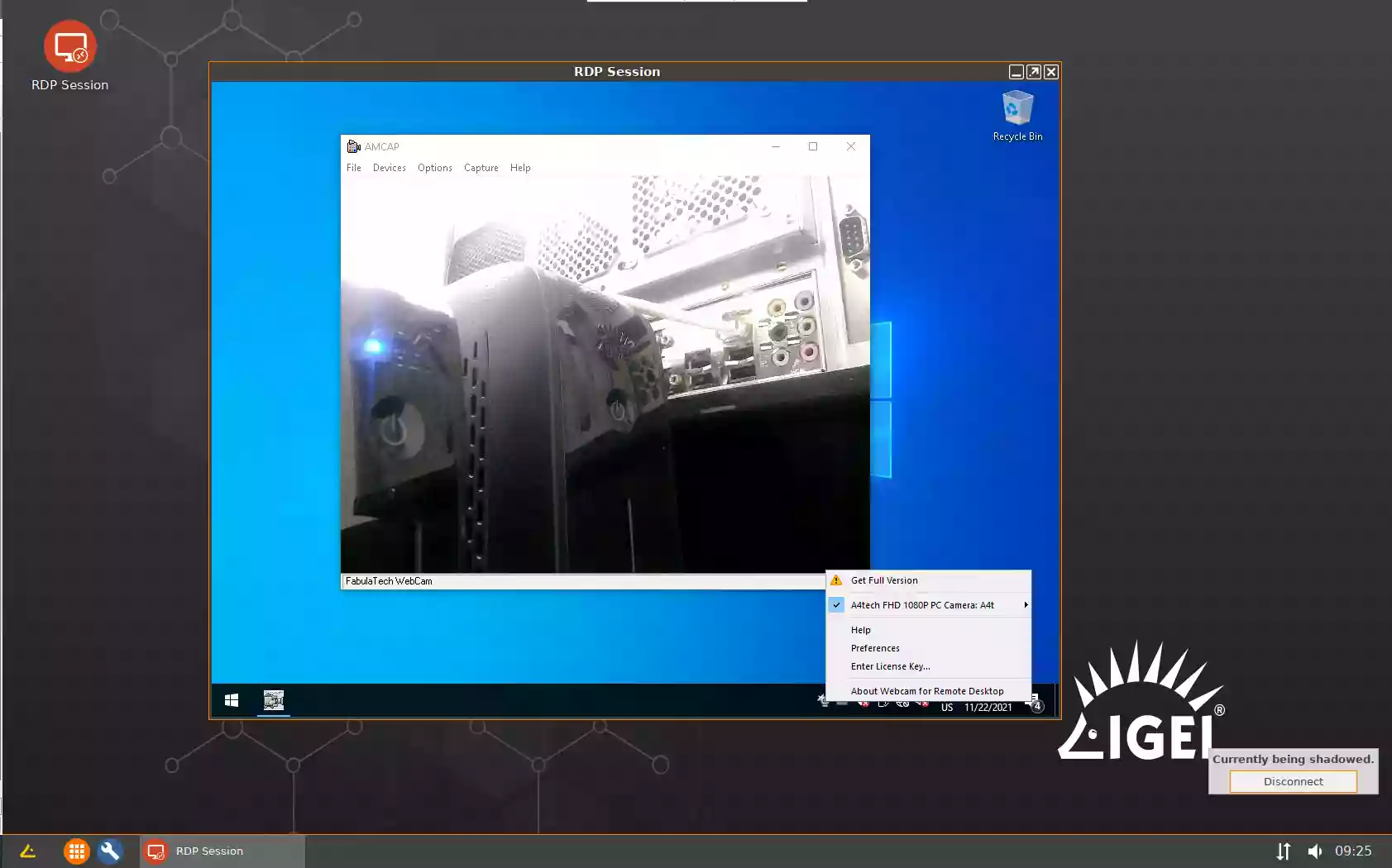
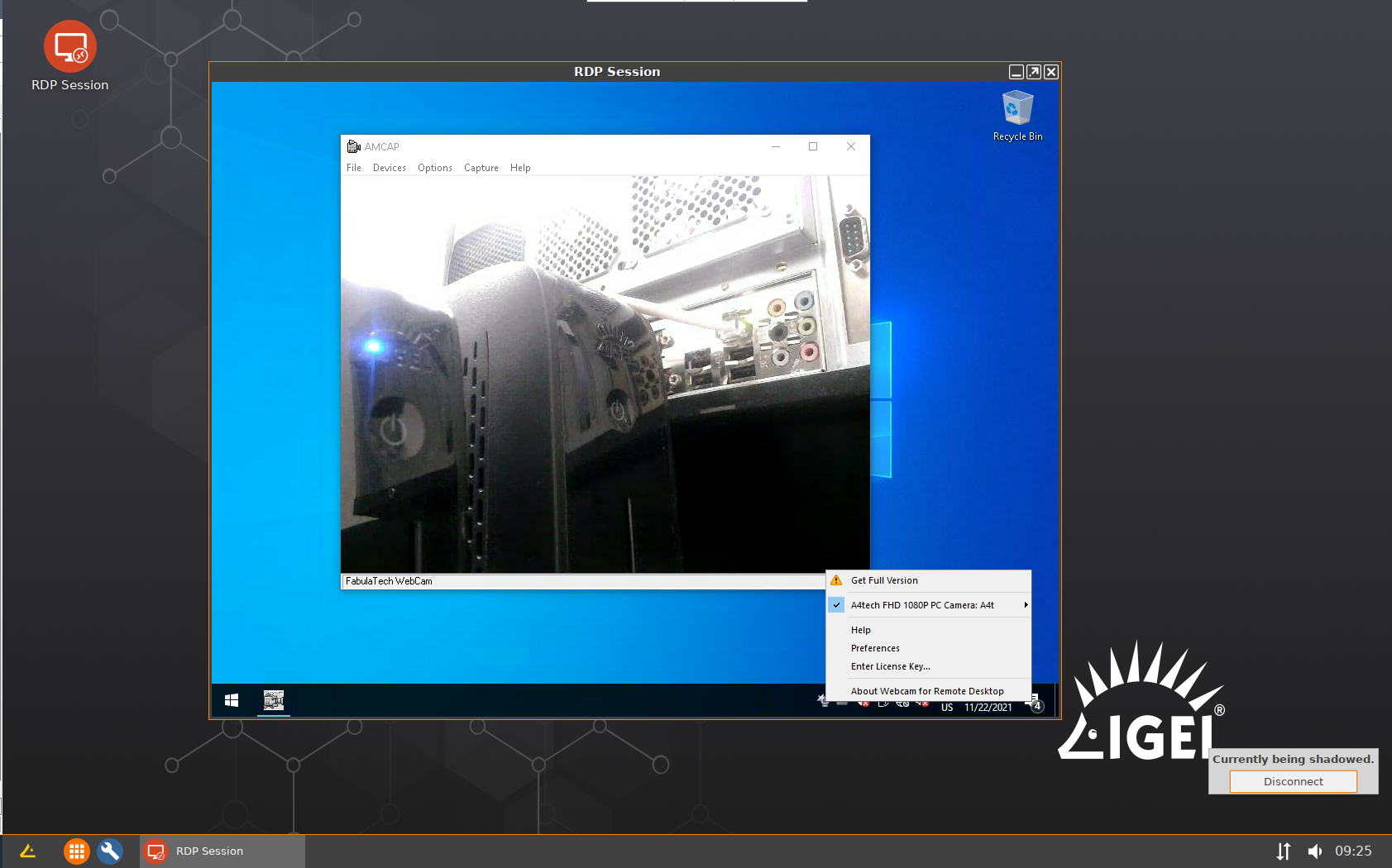
Configuration > Sessions > RDP > RDP Sessions - - Launch RDP Session and connect to the remote Windows PC. Webcams available for redirection will appear in the taskbar menu under the Webcam for Remote Desktop icon.
- Go to Setup > Configuration > System > Firmware Customization > Features
- Citrix
- Go to Setup > Configuration > System > Firmware Customization > Features
and enable FabulaTech USB Redirection or FabulaTech Scanner for Remote Desktop or both.- If FabulaTech USB Redirection feature is enabled, you need to do the following:
- Check FabulaTech USB Redirection checkbox:
Configuration > Sessions > Citrix > Citrix Global > FabulaTech USB Redirection - Uncheck Native USB Redirection checkbox:
Configuration > Sessions > Citrix > Citrix Global > Native USB Redirection
- Check FabulaTech USB Redirection checkbox:
- If FabulaTech Scanner for Remote Desktop feature is enabled, you need to do the following:
- Check FabulaTech Scanner for Remote Desktop checkbox:
Configuration > Sessions > Citrix > Citrix Global > FabulaTech Scanner Redirection - Uncheck Native USB Redirection checkbox:
Configuration > Sessions > Citrix > Citrix Global > Native USB Redirection
- Check FabulaTech Scanner for Remote Desktop checkbox:
- If FabulaTech USB Redirection feature is enabled, you need to do the following:
- Launch our daemon (one time only). In the
Configuration > System > Firmware Customization > Custom Commands > Desktop > Final desktop command
add the command:
/usr/sbin/ftwebcamd -d - Create a new Citrix connection profile.
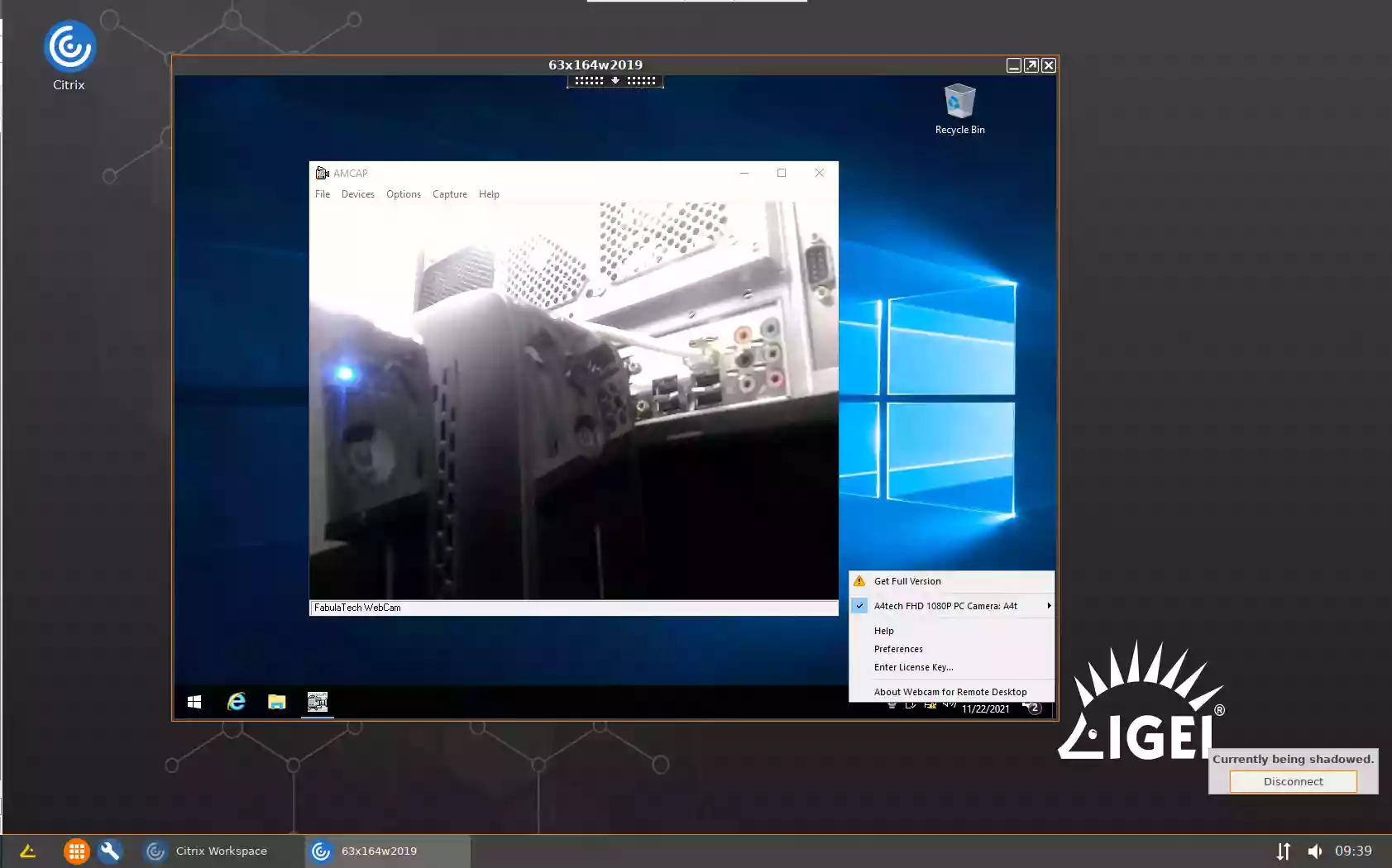
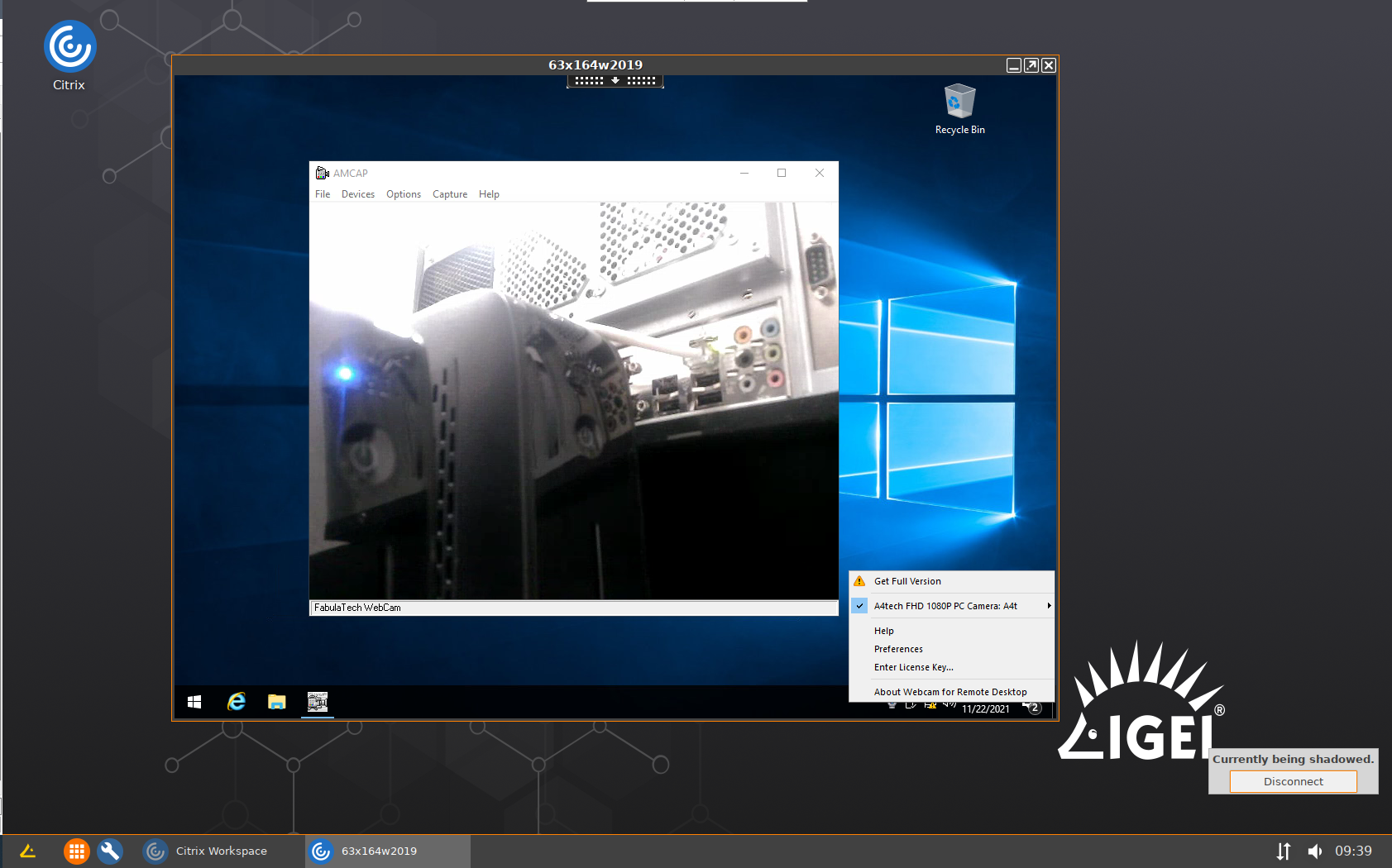
- Launch Citrix Session and connect to the remote Windows PC. Webcams available for redirection will appear in the taskbar menu under the Webcam for Remote Desktop icon.
- Go to Setup > Configuration > System > Firmware Customization > Features
- VMware Horizon
- Go to Setup > Configuration > System > Firmware Customization > Features
and enable FabulaTech USB Redirection or FabulaTech Scanner for Remote Desktop or both.- If FabulaTech USB Redirection feature is enabled, you need to do the following:
- Enable FabulaTech USB Redirection checkbox:
Configuration > Sessions > Horizon Client > Horizon Client Global > FabulaTech USB Redirection - Uncheck USB Redirection checkbox:
Configuration > Sessions > Horizon Client > Horizon Client Global > USB Redirection
- Enable FabulaTech USB Redirection checkbox:
- If FabulaTech Scanner for Remote Desktop feature is enabled, you need to do the following:
- Check FabulaTech Scanner for Remote Desktop checkbox:
Configuration > Sessions > Horizon Client > Horizon Client Global > FabulaTech Scanner Redirection - Uncheck USB Redirection checkbox:
Configuration > Sessions > Horizon Client > Horizon Client Global > USB Redirection
- Check FabulaTech Scanner for Remote Desktop checkbox:
- If FabulaTech USB Redirection feature is enabled, you need to do the following:
- Launch our daemon (one time only). In the
Configuration > System > Firmware Customization > Custom Commands > Desktop > Final desktop command
add the command:
/usr/sbin/ftwebcamd -d - Create a new Horizon Client connection profile:
Configuration > Sessions > Horizon Client > Horizon Client Sessions -- No additional configuration required for PCoIP protocol
-
The following configuration required for Blast protocol (one time only):
- Enable the usage of virtual channel on the remote Windows machine (Server side): apply two *-_enable.reg files from this archive. There are also two *-_disable.reg files to unroll changes if required. Restart the Server after registry change.
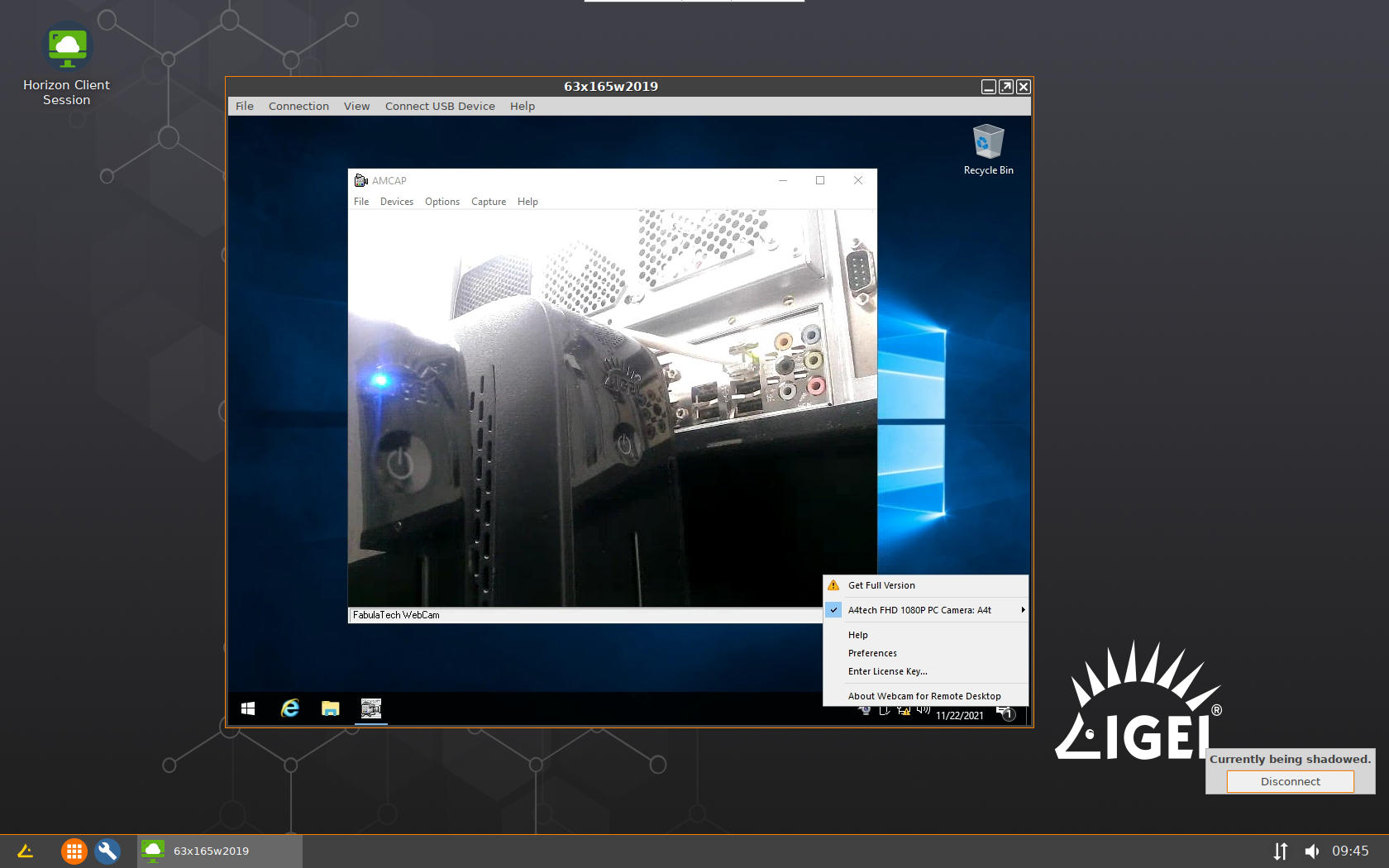
- Launch Horizon Client Session and connect to the remote Windows PC. Webcams available for redirection will appear in the taskbar menu under the Webcam for Remote Desktop icon.
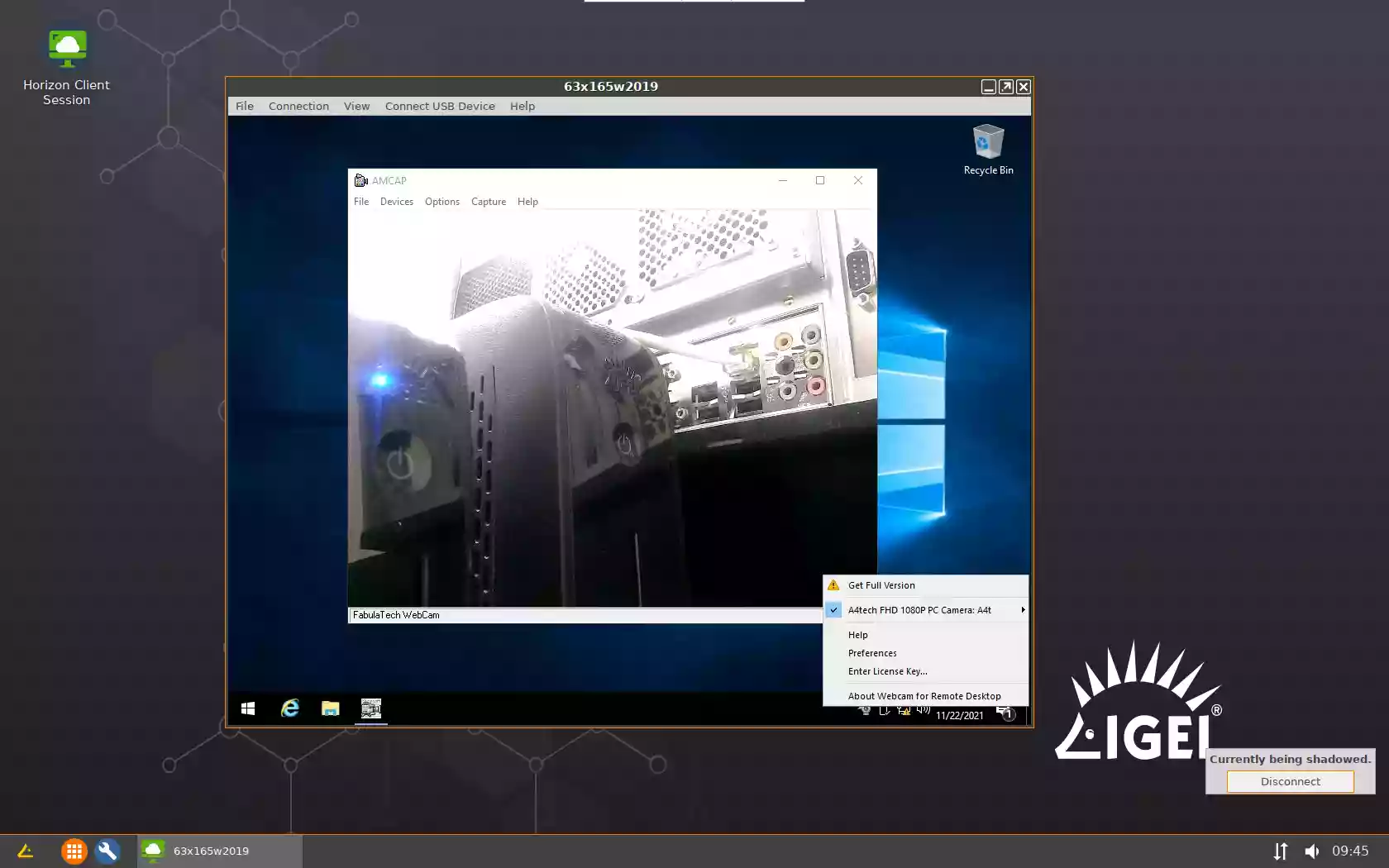
- Go to Setup > Configuration > System > Firmware Customization > Features
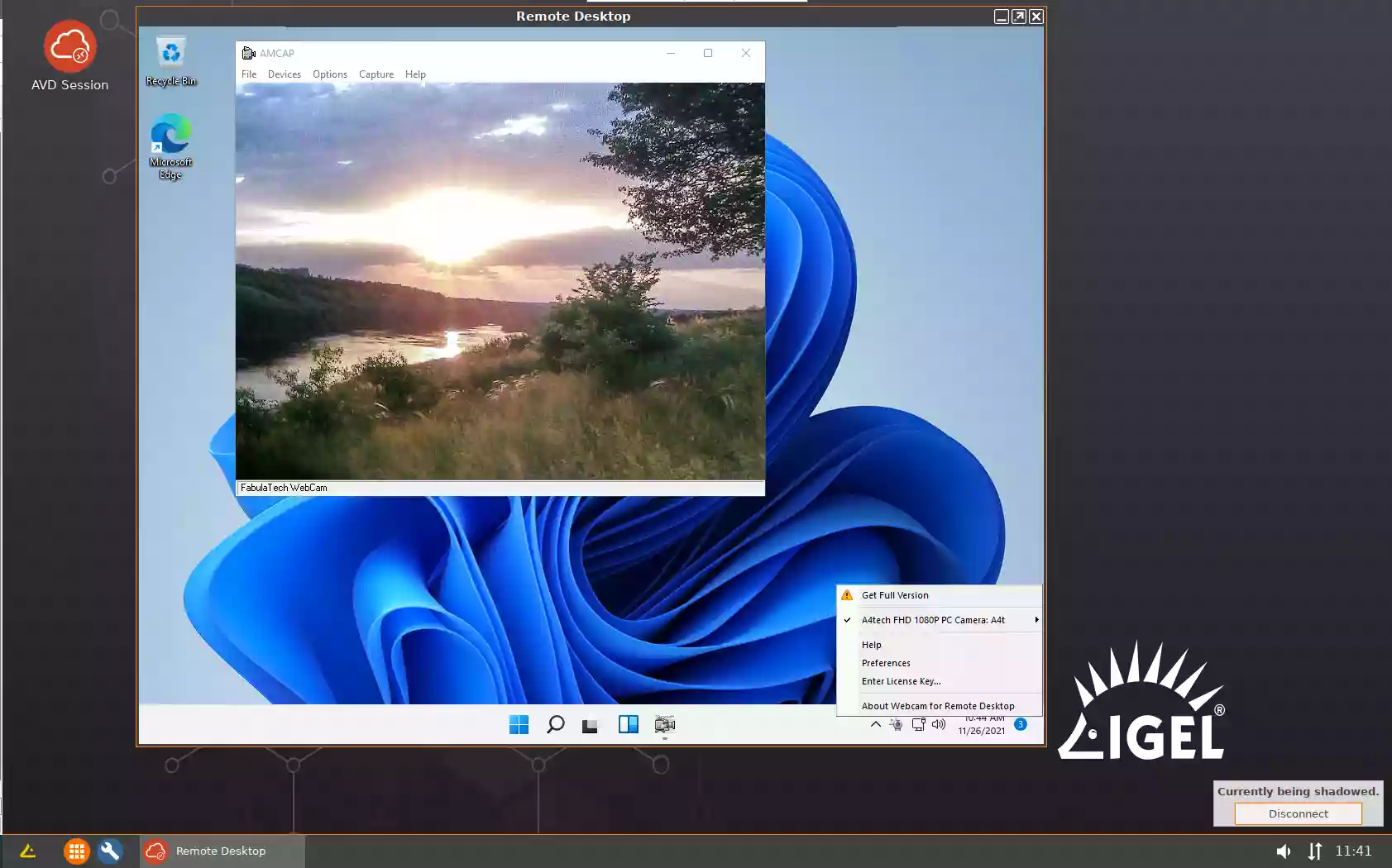
- Microsoft AVD
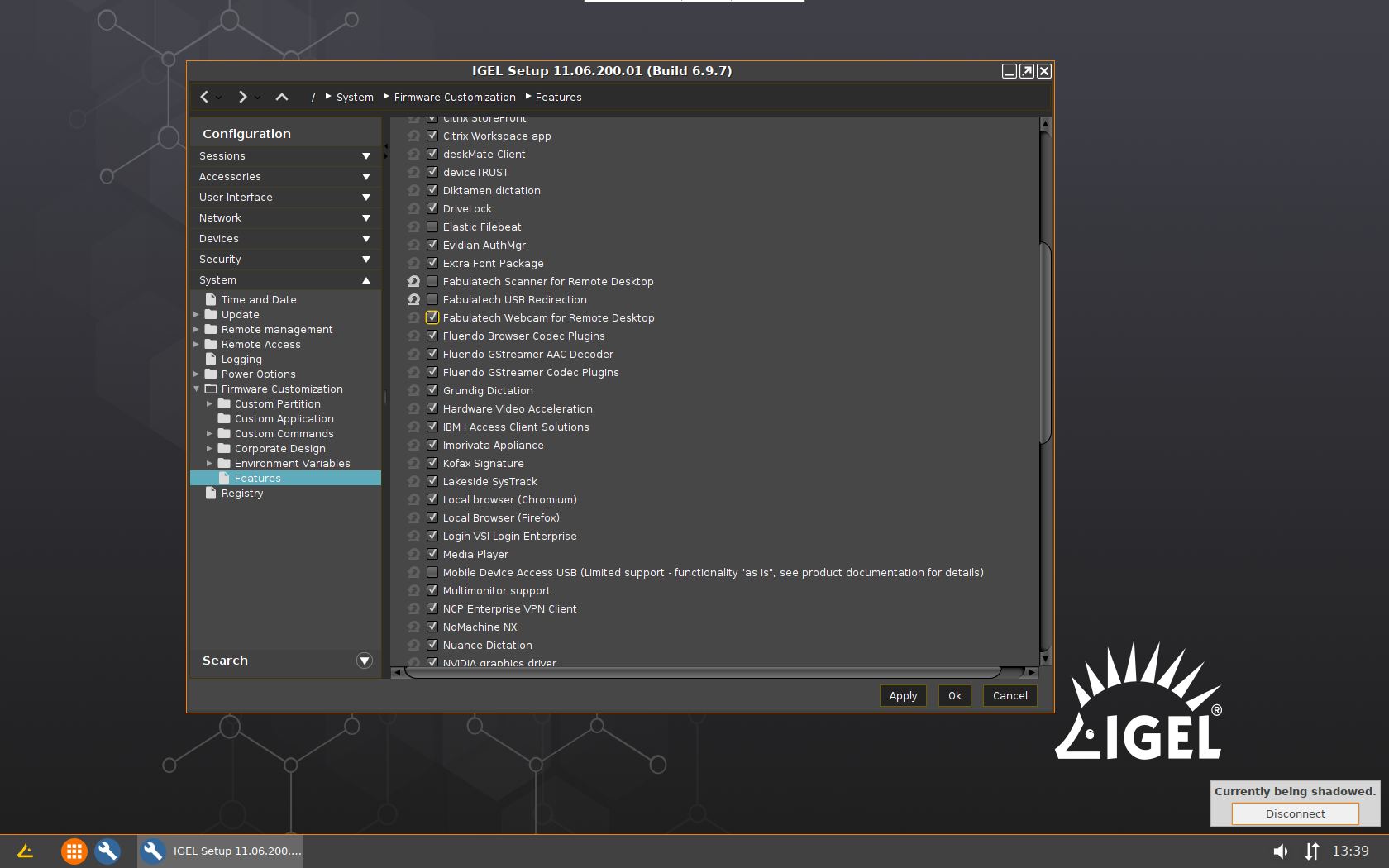
- Go to Setup > Configuration > System > Firmware Customization > Features
and enable FabulaTech Webcam for Remote Desktop checkbox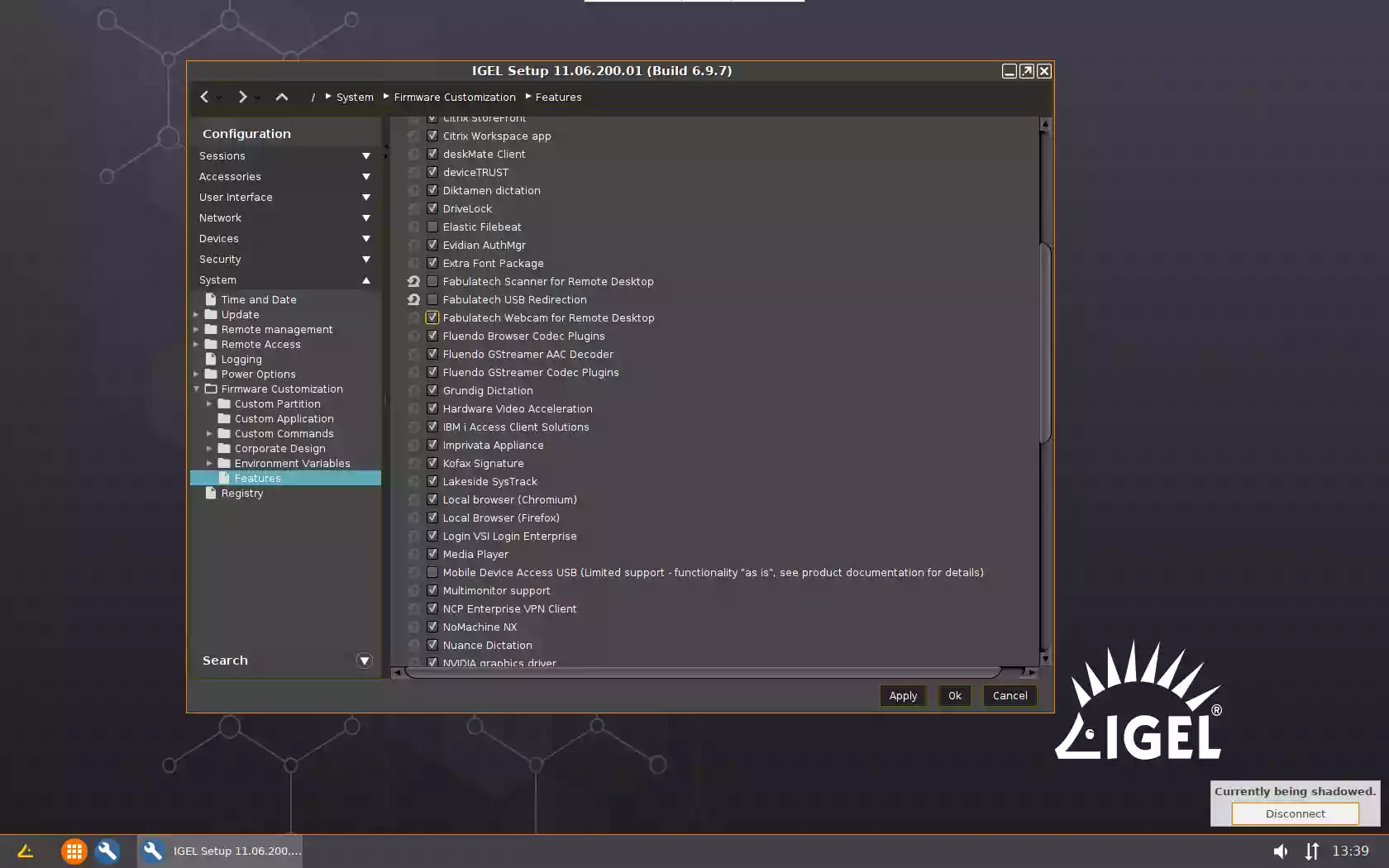
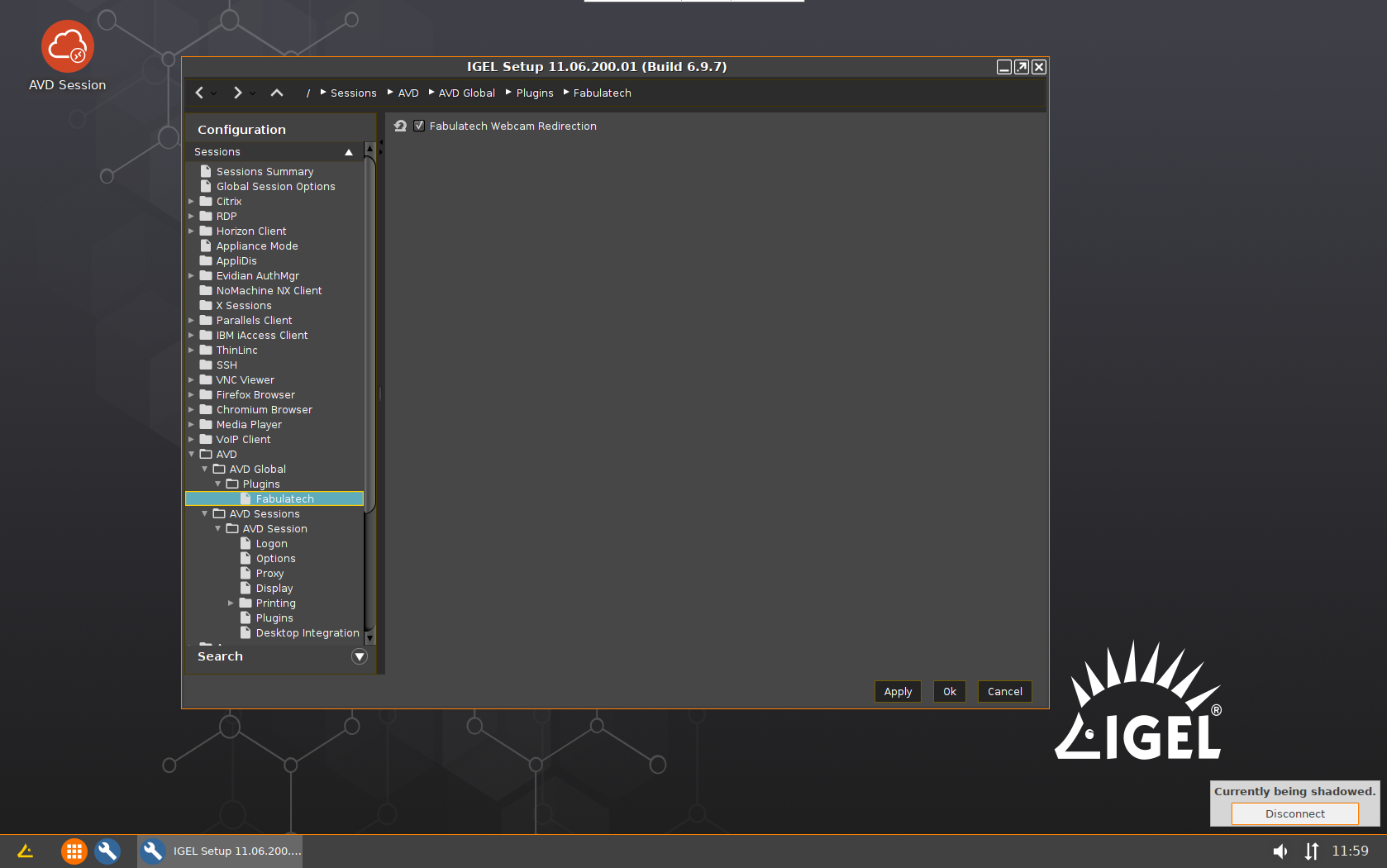
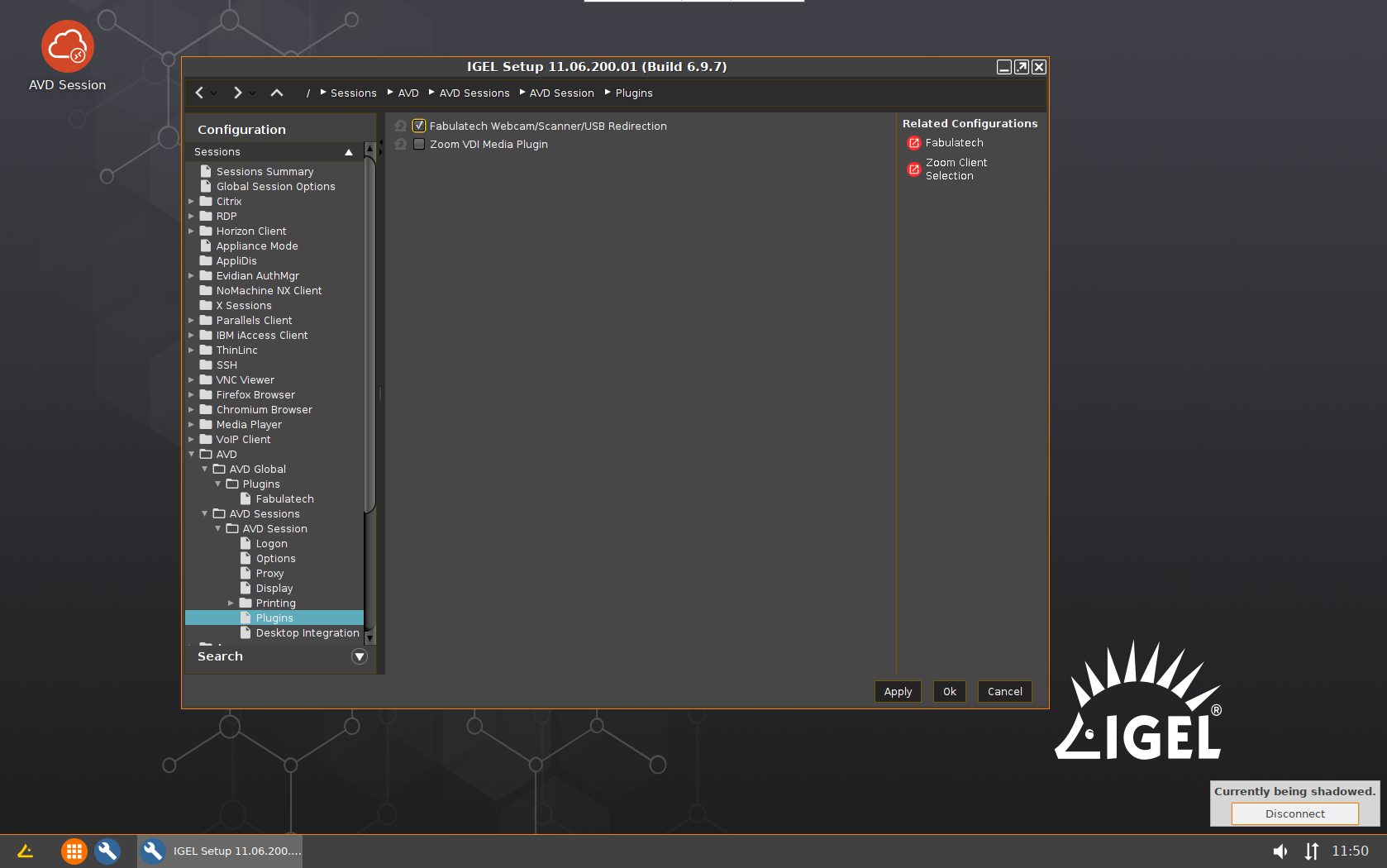
- Check FabulaTech Webcam Redirection checkbox:
Configuration > Sessions > AVD > AVD Global > Plugins > Fabulatech
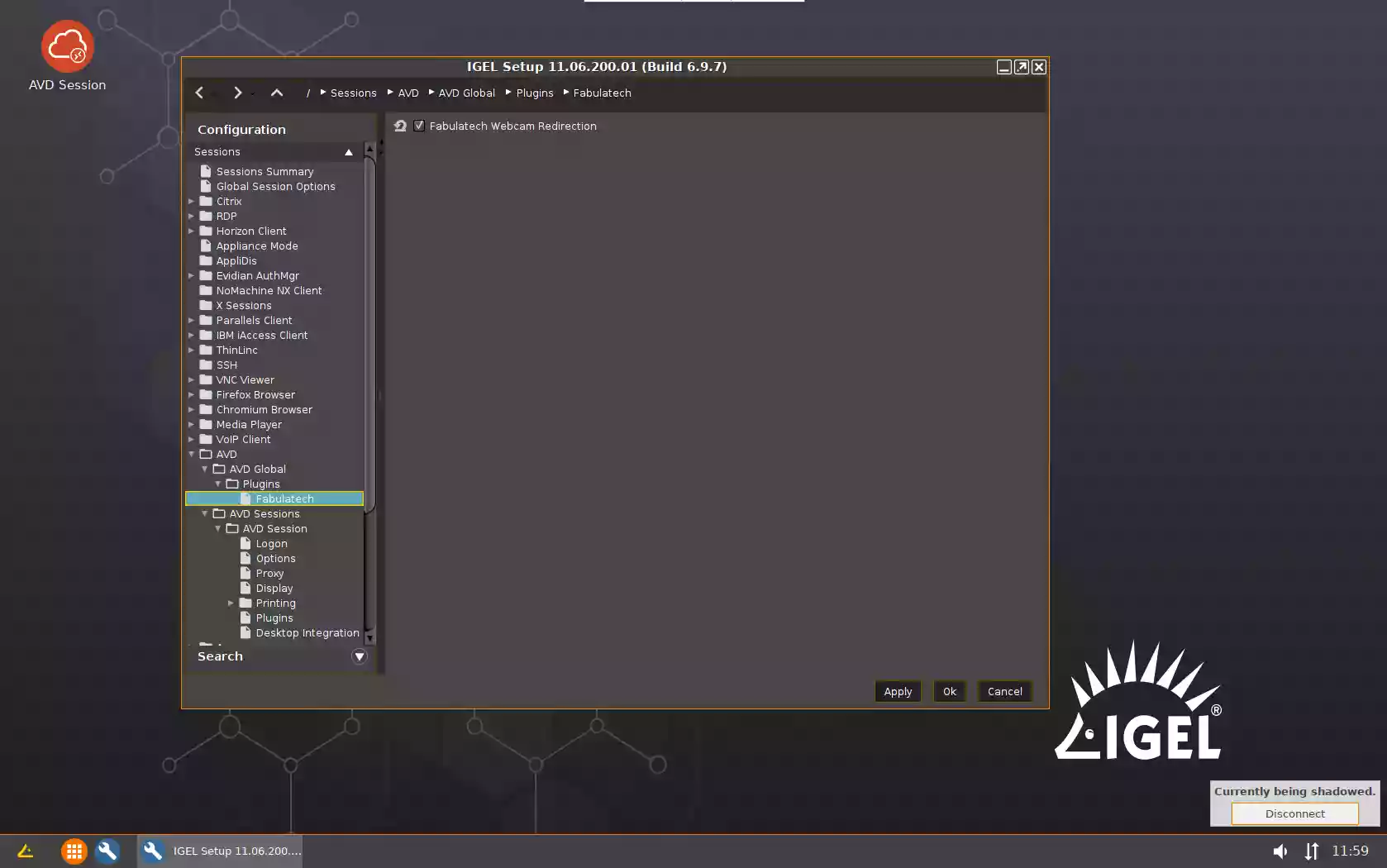
- Create a new AVD connection profile:
Configuration > Sessions > AVD > AVD Sessions - - Check FabulaTech Webcam/Scanner/USB Redirection checkbox:
Configuration > Sessions > AVD > AVD Sessions > [AVD_session_profile_name] > Plugins
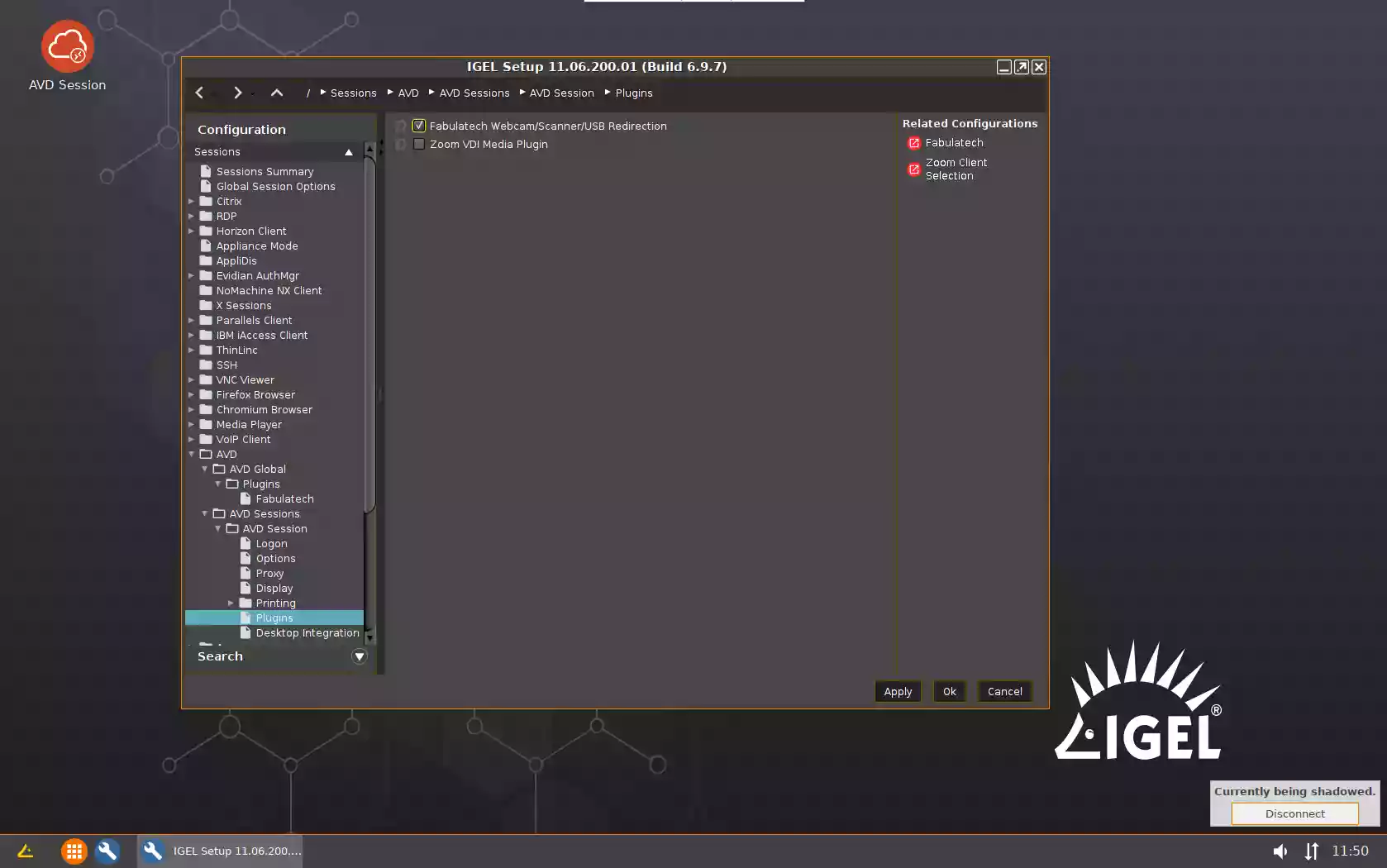
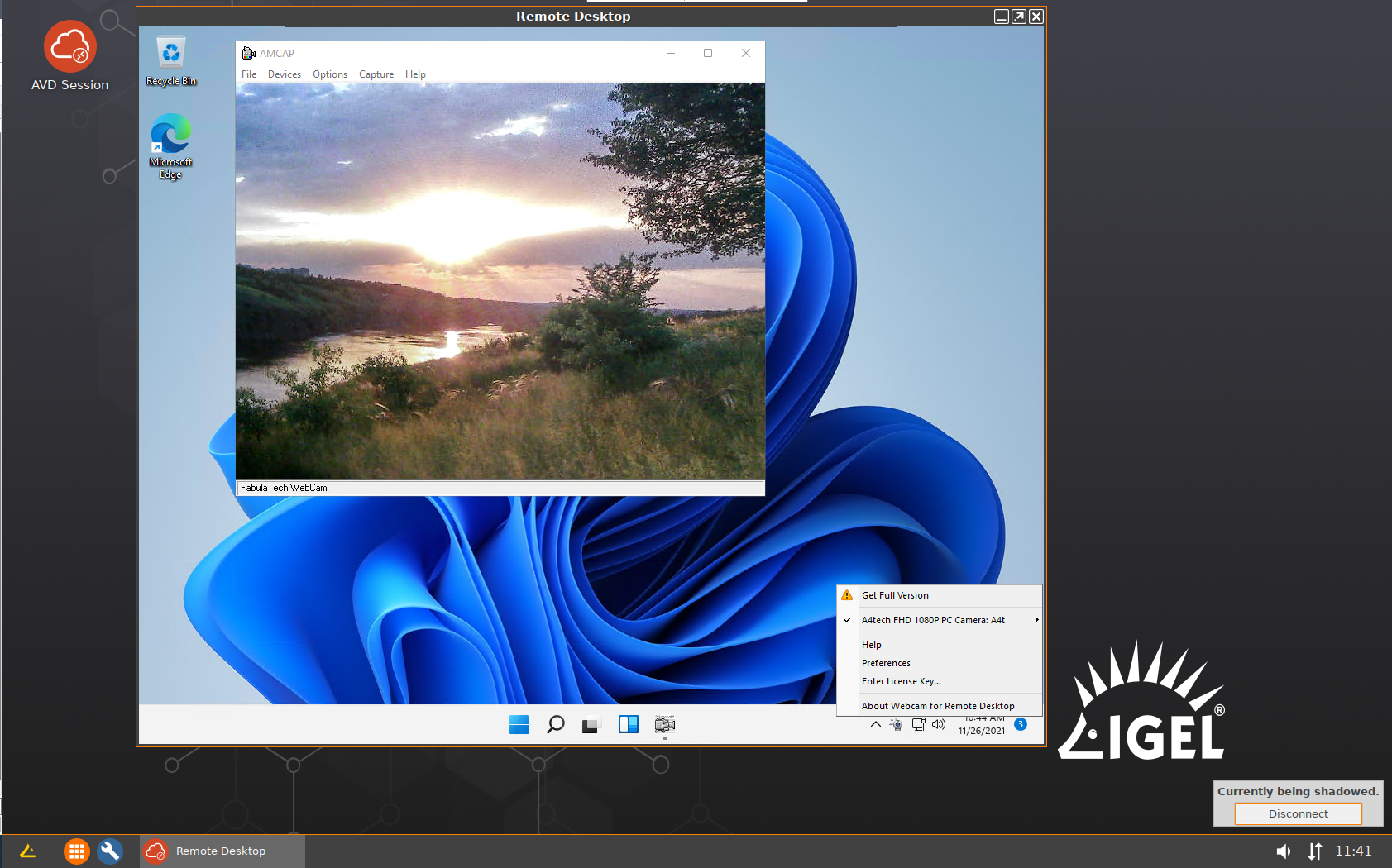
- Launch AVD Session and connect to the remote Windows PC. Webcams available for redirection will appear in the taskbar menu under the Webcam for Remote Desktop icon.
- Go to Setup > Configuration > System > Firmware Customization > Features
- Amazon
- Launch our daemon and enable loading of our plugin (one time only). In the
Configuration > System > Firmware Customization > Custom Commands > Desktop > Final desktop command
add two commands:
/usr/sbin/ftwebcamd -d
cp /usr/lib/pcoip/vchan_plugins/libvchan-plugin-ftpcoipbr.so* /usr/lib/x86_64-linux-gnu/pcoip-client/vchan_plugins/libvchan-plugin-ftpcoipbr.so - Create a new Amazon WorkSpaces connection profile:
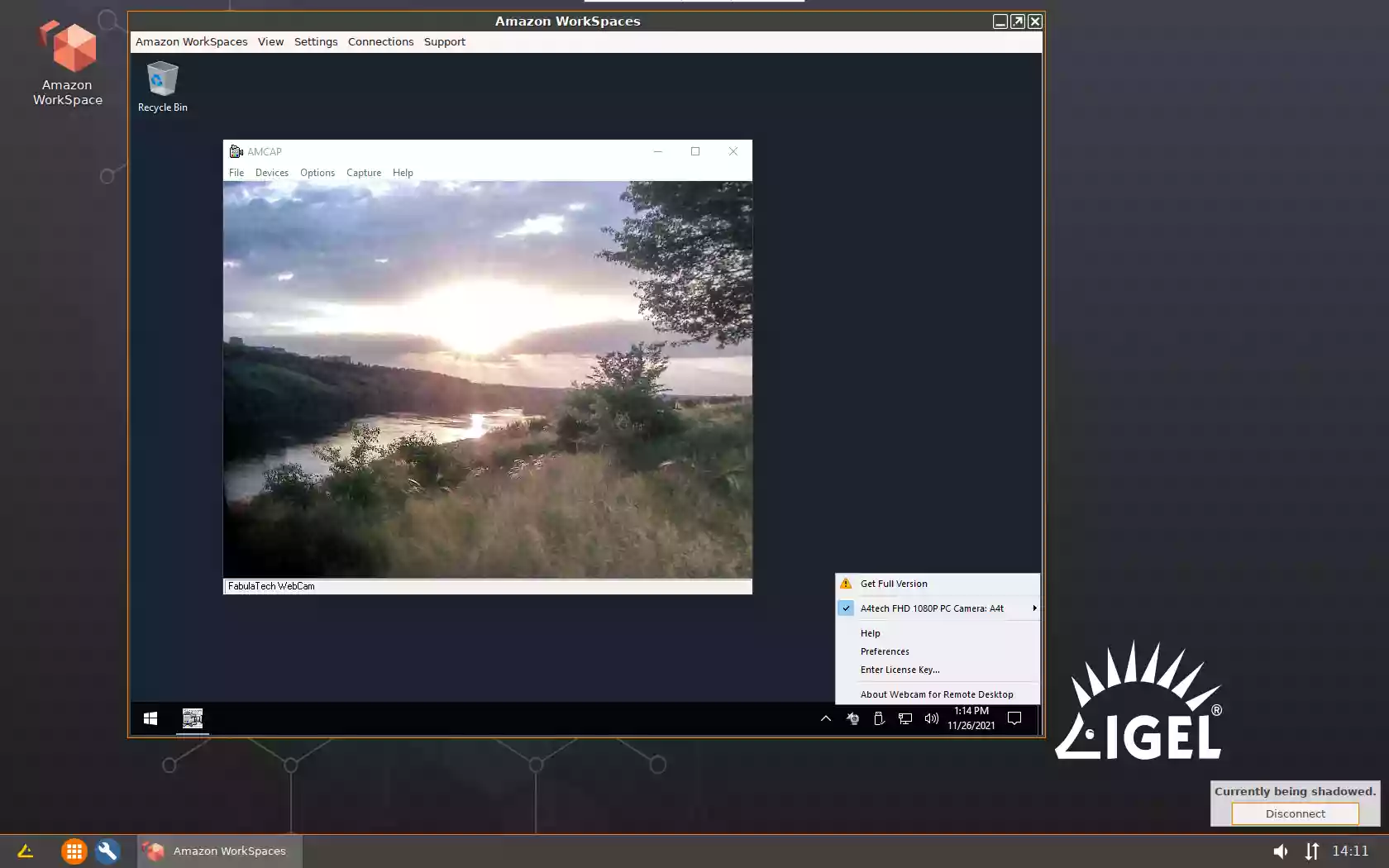
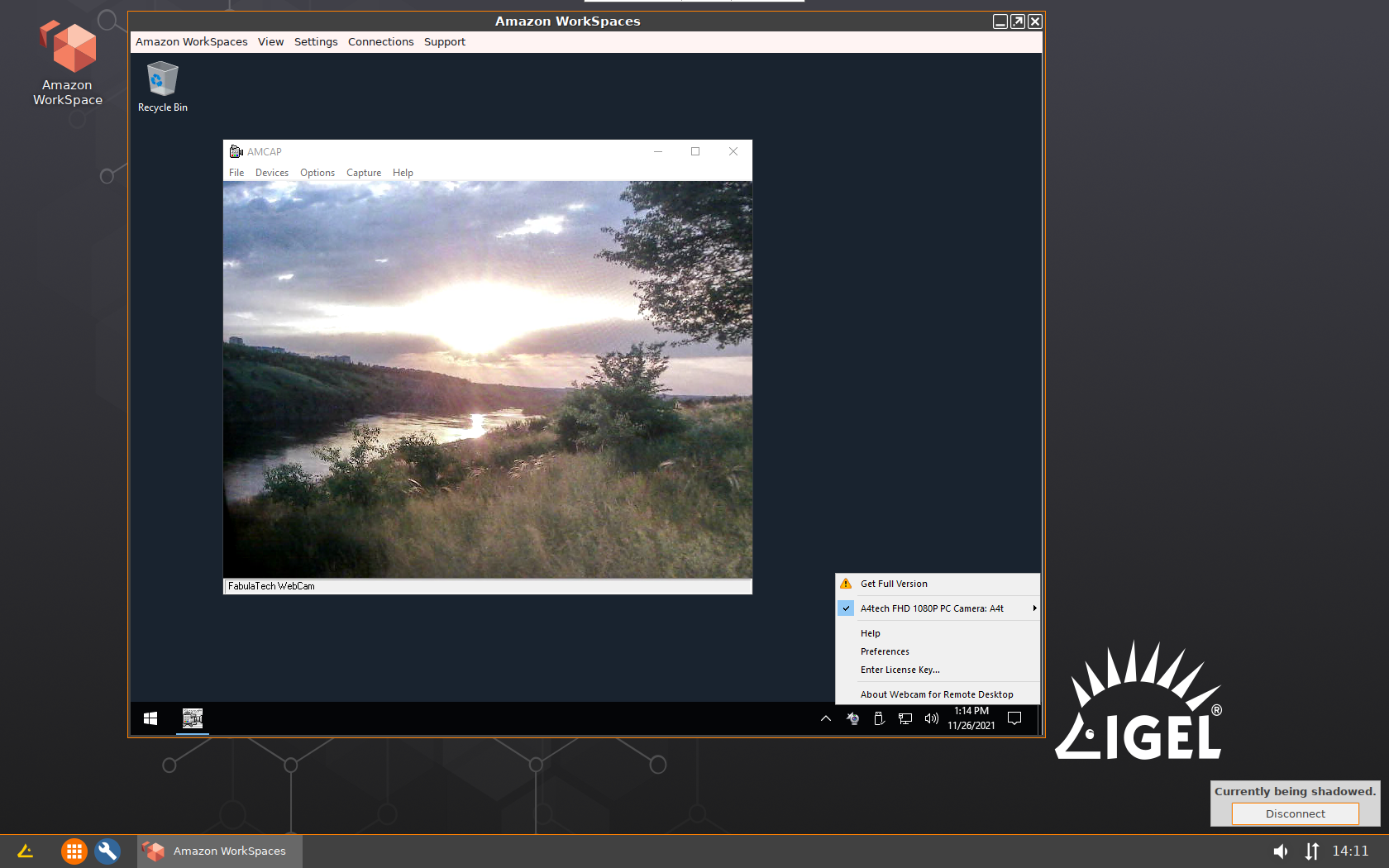
Configuration > Sessions > Amazon > WorkSpaces > Amazon WorkSpaces - - Launch Amazon Workspaces and connect to the remote Windows PC. Webcams available for redirection will appear in the taskbar menu under the Webcam for Remote Desktop icon.
- Launch our daemon and enable loading of our plugin (one time only). In the
- HP / Teradici PCoIP
- Launch our daemon and enable loading of our plugin (one time only). In the
Configuration > System > Firmware Customization > Custom Commands > Desktop > Final desktop command
add two commands:
/usr/sbin/ftwebcamd -d
cp /usr/lib/pcoip/vchan_plugins/libvchan-plugin-ftpcoipbr.so* /usr/lib/x86_64-linux-gnu/pcoip-client/vchan_plugins/libvchan-plugin-ftpcoipbr.so - Create a new Teradici connection profile:
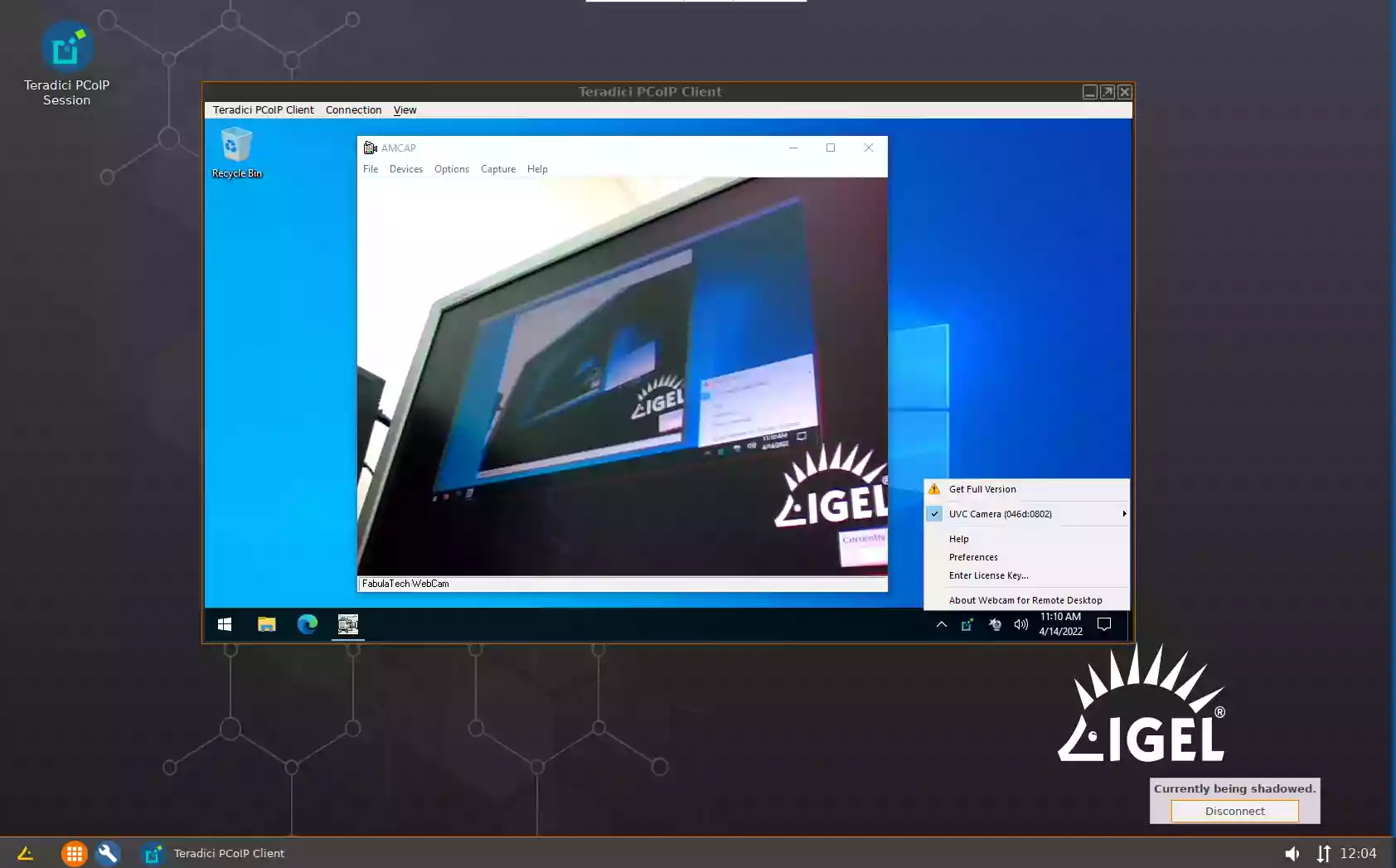
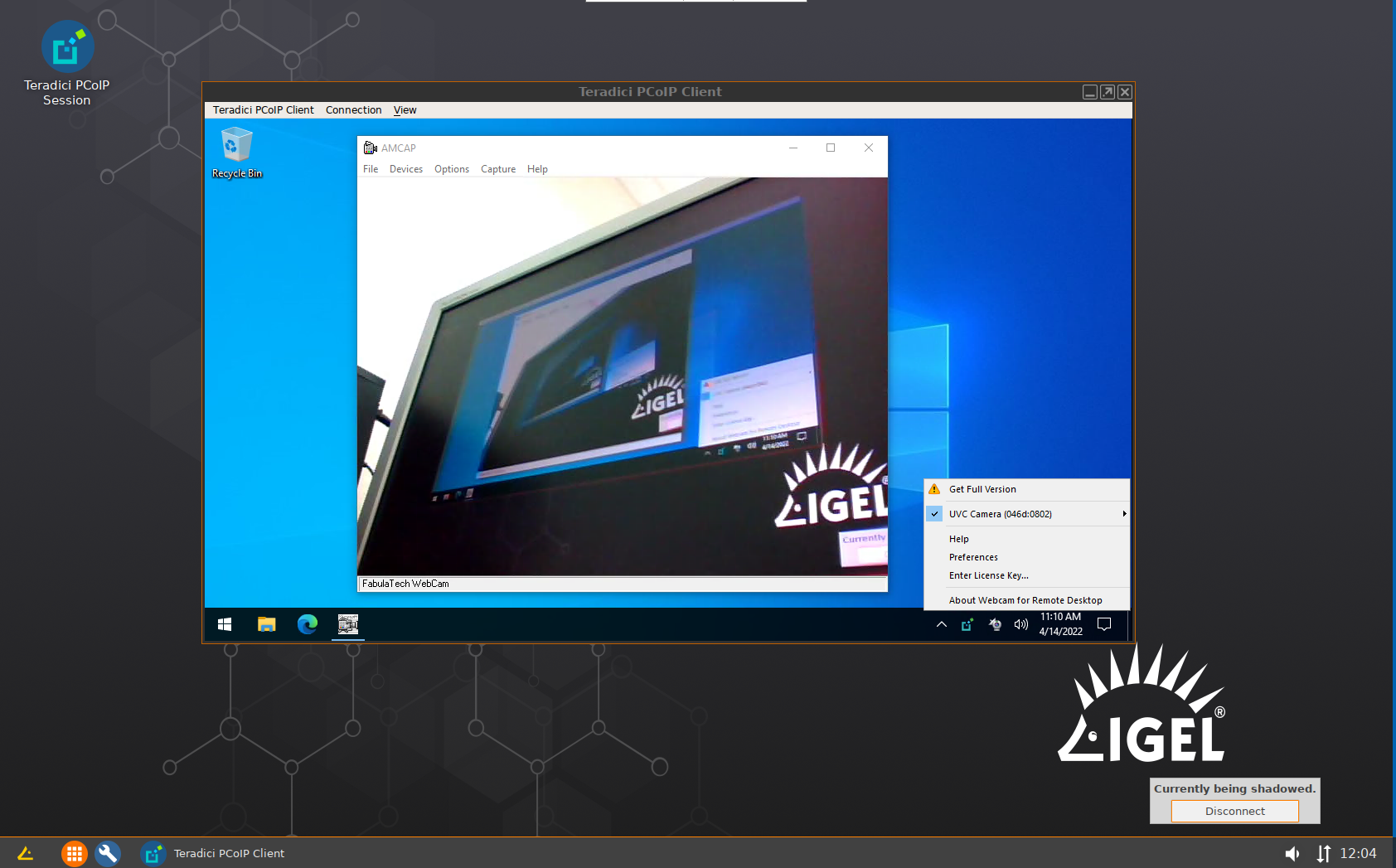
Configuration > Sessions > Teradici PCoIP Client > PCoIP Sessions > Teradici PCoIP Session - Launch Teradici PCoIP Session and connect to the remote Windows PC. Devices available for redirection will appear in the taskbar menu under the Webcam for Remote Desktop icon.
- Launch our daemon and enable loading of our plugin (one time only). In the
Upgrading the Program on Thin Client
If necessary, Webcam for Remote Desktop Workstation can be upgraded or downgraded to another version using the tar.gz package of the Linux Workstation. You can obtain it from the product download page or from our support team. Please ensure you get the right package according to architecture of your device (64bit in most cases).
Upgrading Using Universal Management Suite
- Enable the FabulaTech Webcam for Remote Desktop feature and activate redirection in the Remote Desktop Connection configuration.
- Download the upgrade script.
- Add this script and the *.tar.gz archive with the required version of Webcam for Remote Desktop (Linux workstation) to the Universal Management Suite and assign to the Thin Client.
- Add the
/bin/sh /wfs/ftwebcam_upgrade_with_UMS.shcommand to the System - Firmware Customization - Custom Commands - Desktop - Final desktop command
Manual Upgrade
- Enable the FabulaTech Webcam for Remote Desktop feature and activate redirection in the Remote Desktop Connection configuration.
- Download the upgrade script, place it to the
/wfsfolder and make it executable withchmod +x ftwebcam_upgrade_without_UMS.shcommand - Place the *.tar.gz archive with the required version of Webcam for Remote Desktop (Linux workstation) to the
/wfsfolder. - Add the
/bin/sh /wfs/ftwebcam_upgrade_without_UMS.shcommand to the System - Firmware Customization - Custom Commands - Desktop - Final desktop command
Troubleshooting
Troubleshooting steps are the same as described in the Webcam for Remote Desktop (Linux version) User Manual.
The only difference is location of Workstation daemon (ftwebcamd) on IGEL thin clients: /usr/sbin/ (or /wfs/ftwebcam/sbin/ if you have upgraded the product using the script as described above).
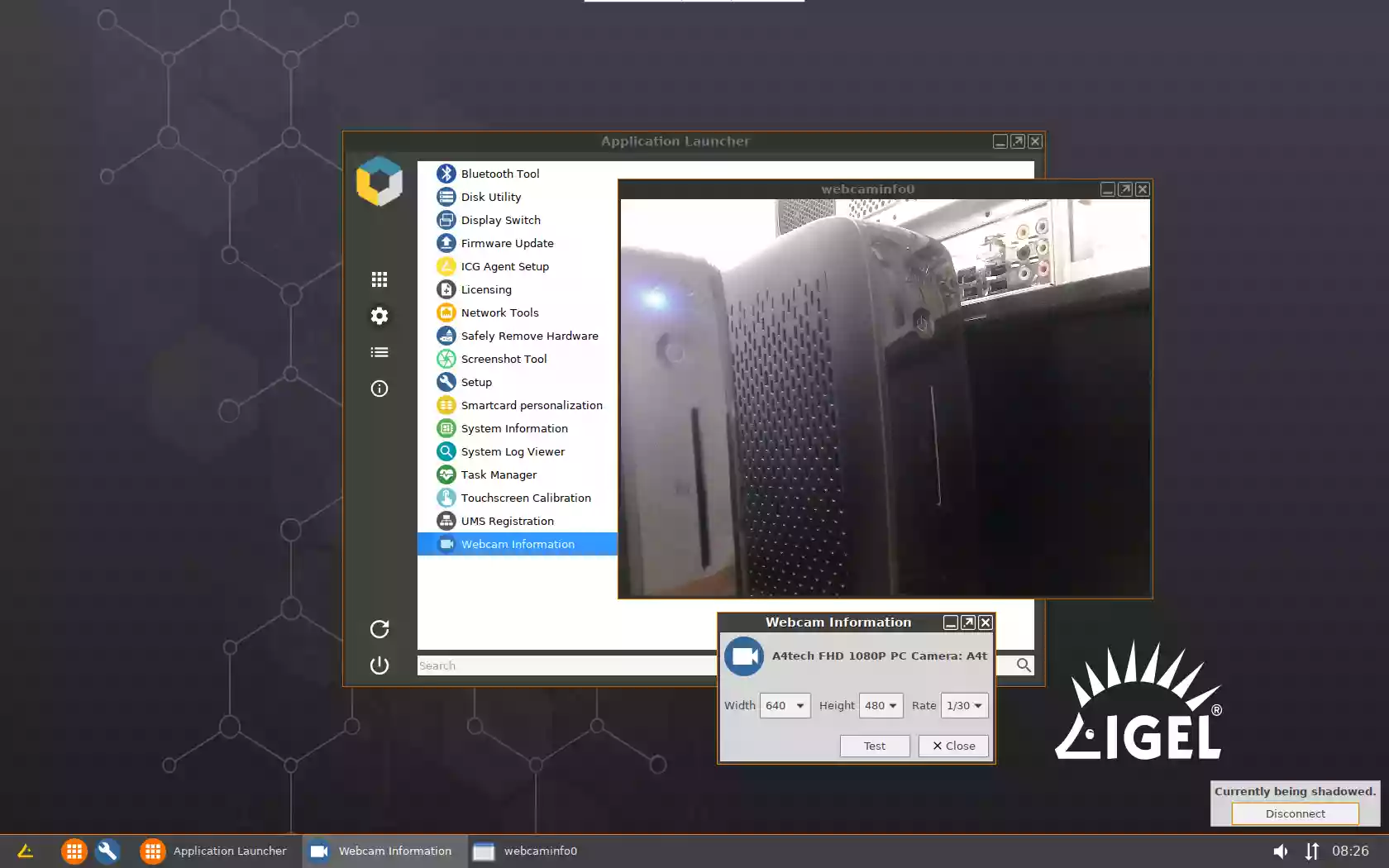
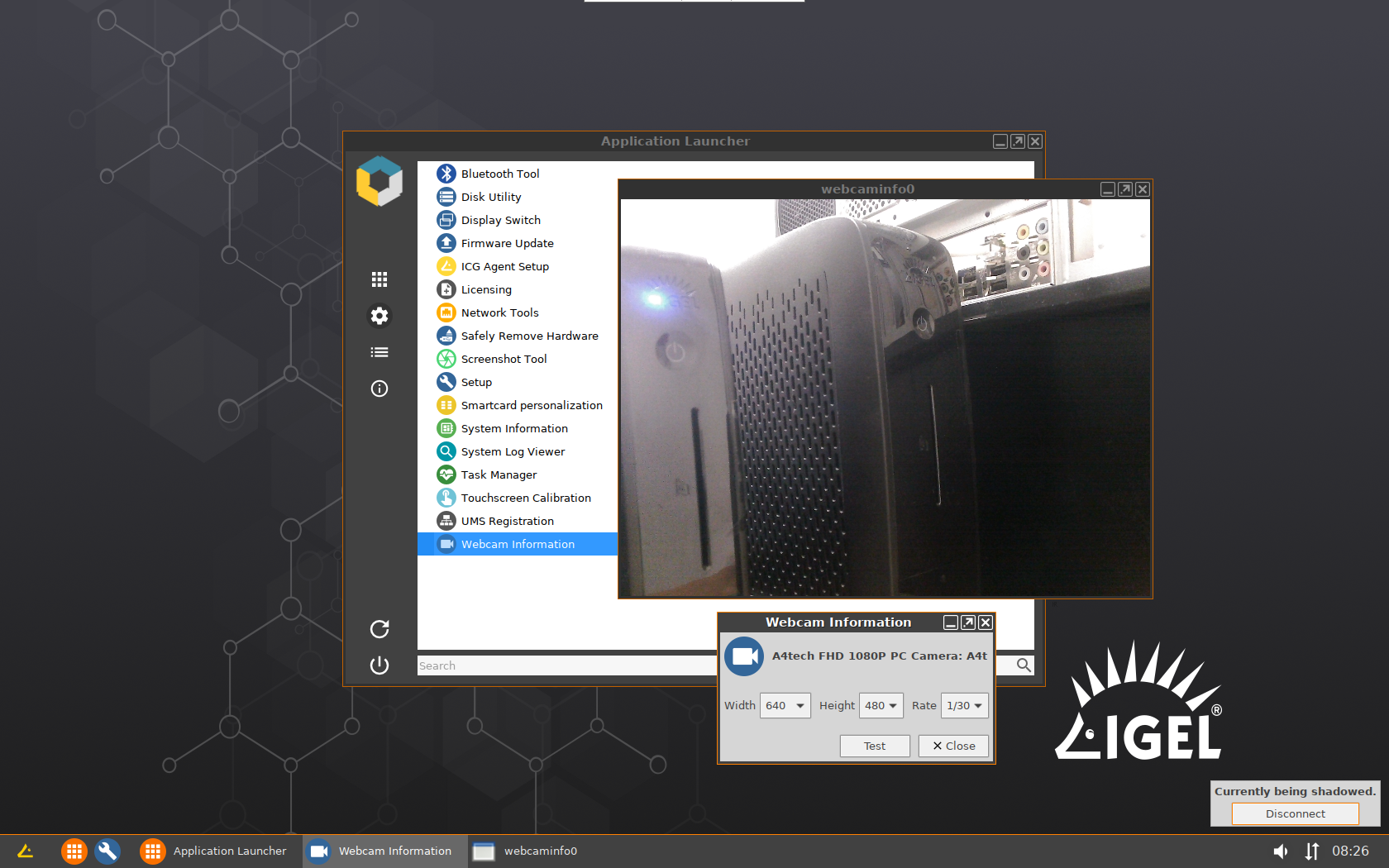
- Launch Webcam Information app from Application Launcher > System.
- Select the necessary resolution and rate, click Test