Display Filter
There is an ability to hide/unhide IRP's, specific (user-defined) types of URB's and configure the program to show only uncompleted or unsuccessful requests. It's useful if you want to see only those requests which are needed for analysis.
To setup display filter click  on the toolbar. In appeared window, configure which requests you want to see.
Then click .
on the toolbar. In appeared window, configure which requests you want to see.
Then click .
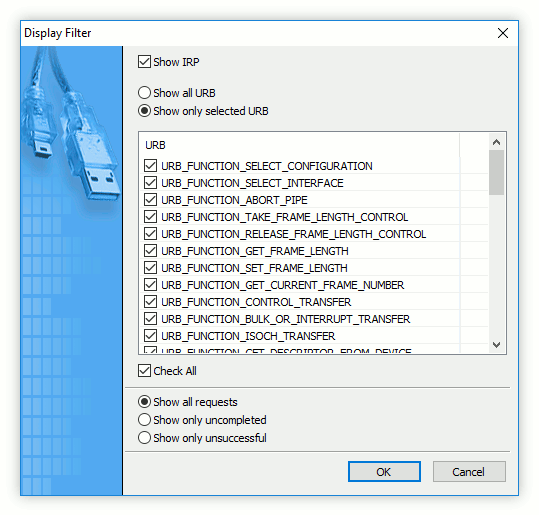
Display filter can be also created from captured data.
Select one or several URB packets and click the down-arrow next to the icon.
Then click the Create Filter from Selected menu item. Selected URB types will be selected automatically in appeared window, so just click to continue.
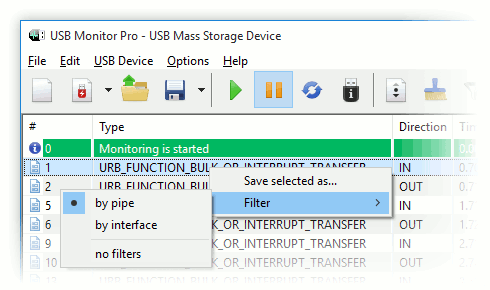
You can also filter events by pipe and interface. Right-click in the Events window and select the required filtering type.